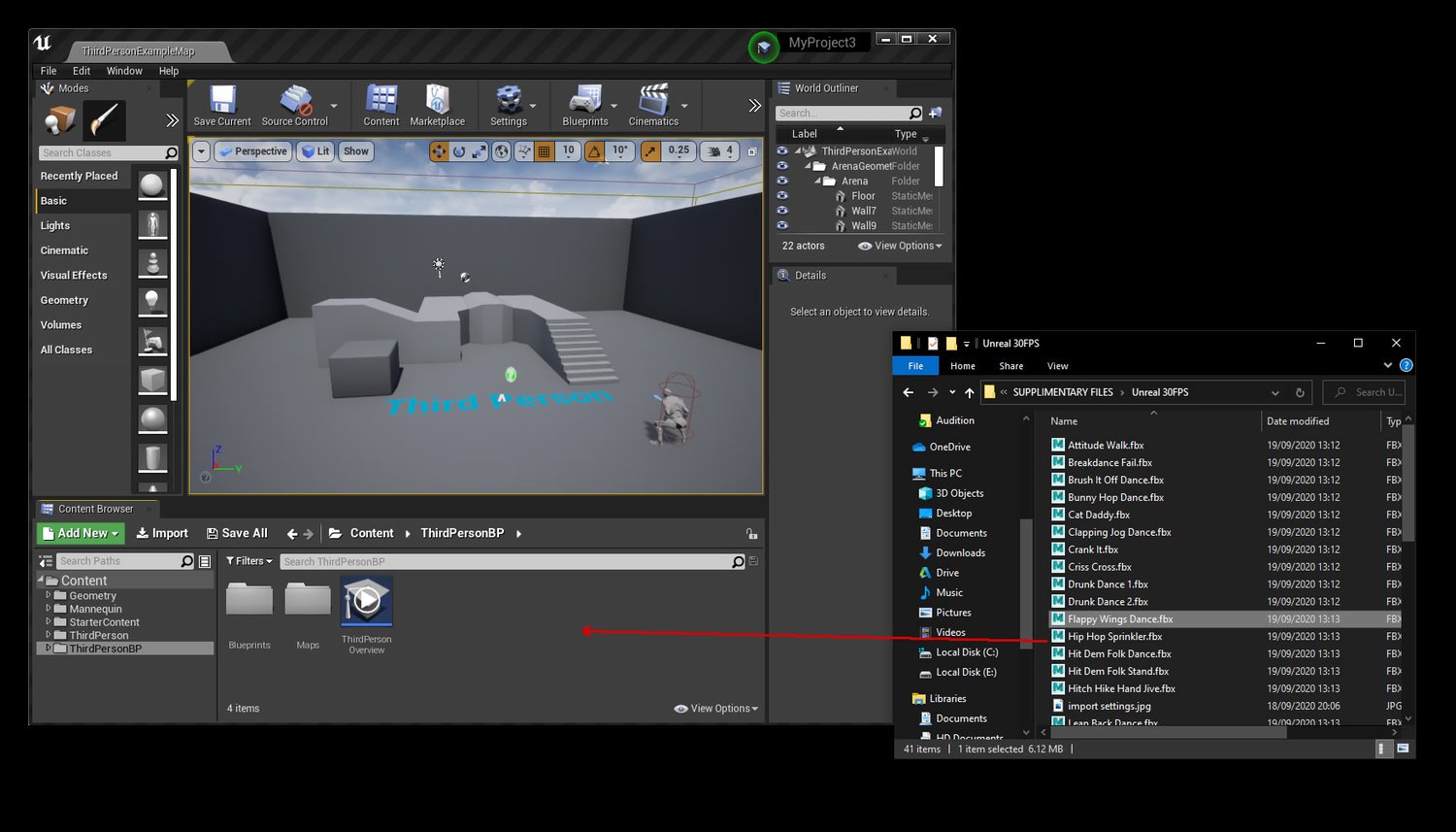
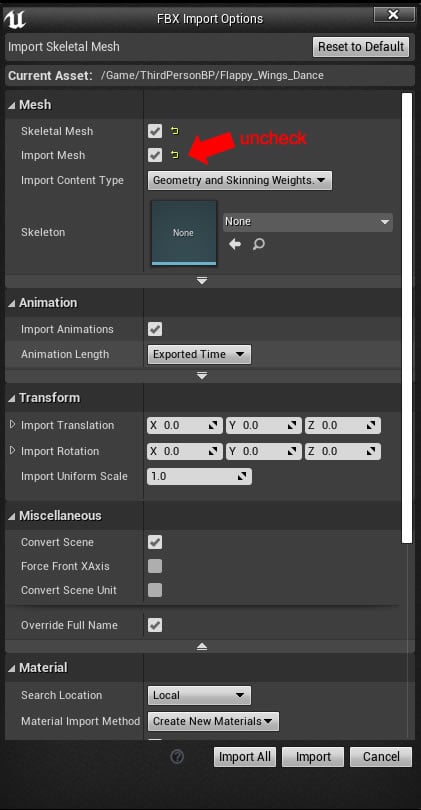
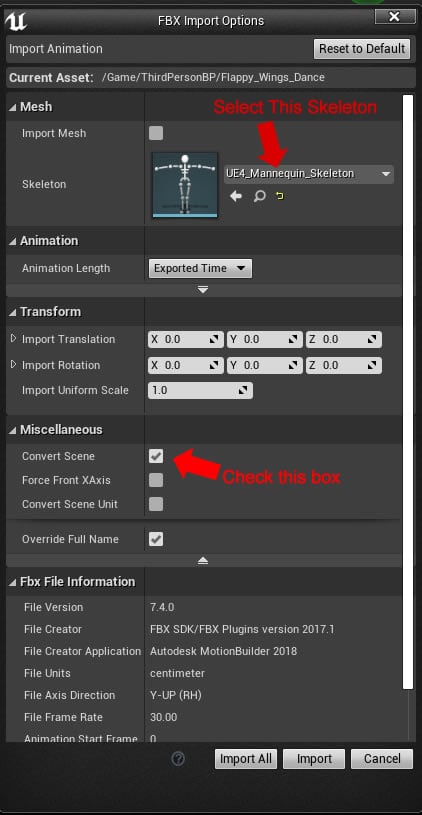
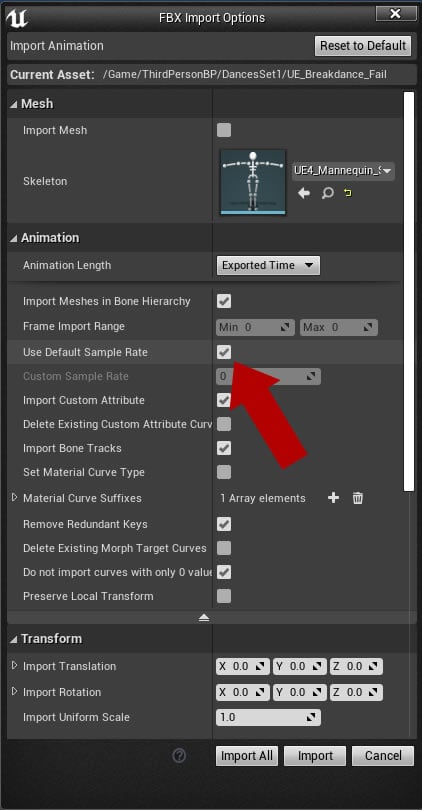
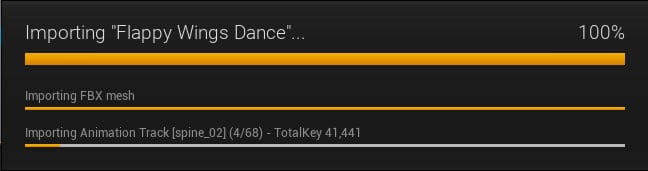
IMPORTING INTO UNREAL ENGINE
Included with some of our animations are a set of supplementary files. These files include the animations in various different formats beside our core fbx files. Some of these we have retargeted to specific skeleton that we feel may help speed up certain pipelines on certain platforms.
With unreal it is possible to import our main 'awesome android' FBX files, but to do so requires retargeting the mocap animation to the unreal skeleton with animation software, or retargeting it directly inside of unreal using the tools they provide. Given the extra complexity involved in retargeting with root motion in place we decided where possible to included a set of animations already retargeted to the unreal skeleton.
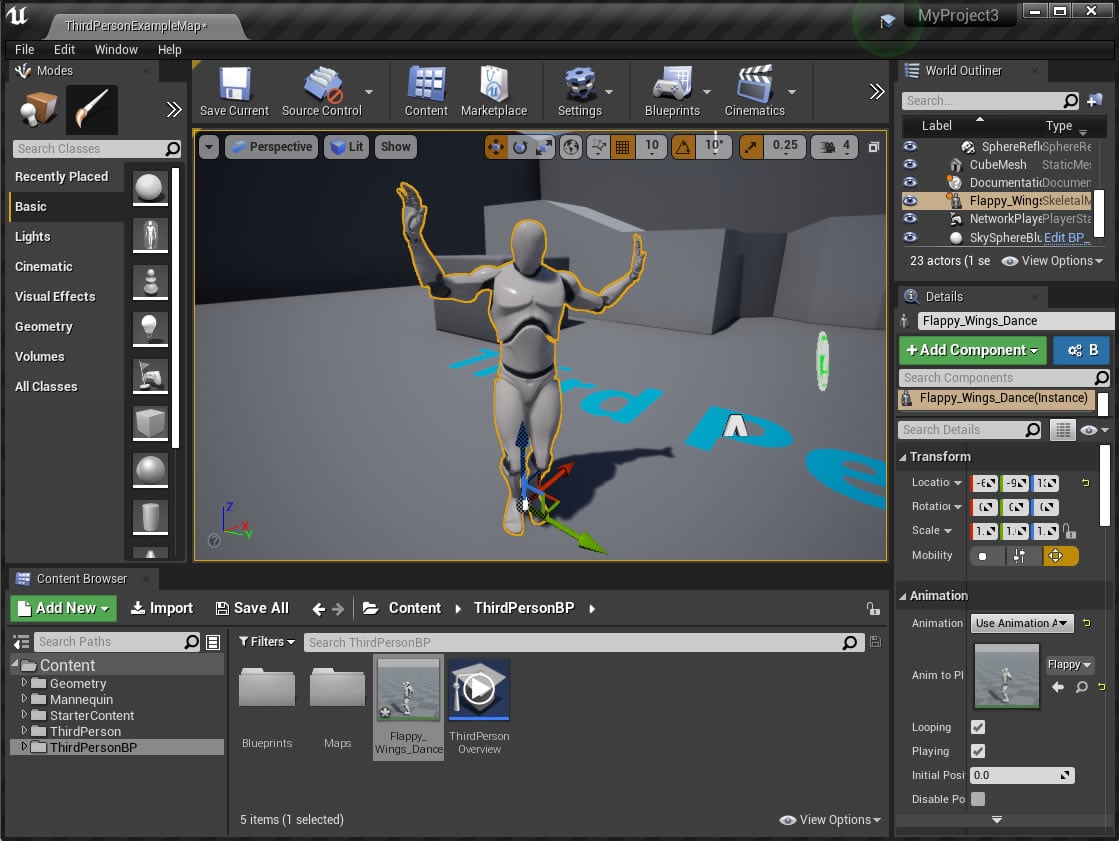
Please note that due to potential licensing issues we have created our own mannequin with similar proportions to the unreal mannequin, however when you import the skeleton into unreal without the mesh you will be able to visualize it on the standard unreal model.
If you wish to edit the animation before import, the unreal fbx files we provide for import do include the model to help with visualization purposes. The animations should be relatively easy to transfer onto the original unreal mannequin if you prefer to work with that as well do to the skeleton being the same. You will also find a T Pose file of our character with the supplementary files to help with retargeting and setup in various programs.
A quick note on file size and compression before we start!
Before we start I also want to bring to your attention that unless specifically stated, the animations we provide are not compressed. If you plan to use these animations in a project for release you may want to reduce the frame count before upload or compress the animation inside unreal using its built in compression tools.